User Manual
DEVICE LAYOUT
TOP VIEW
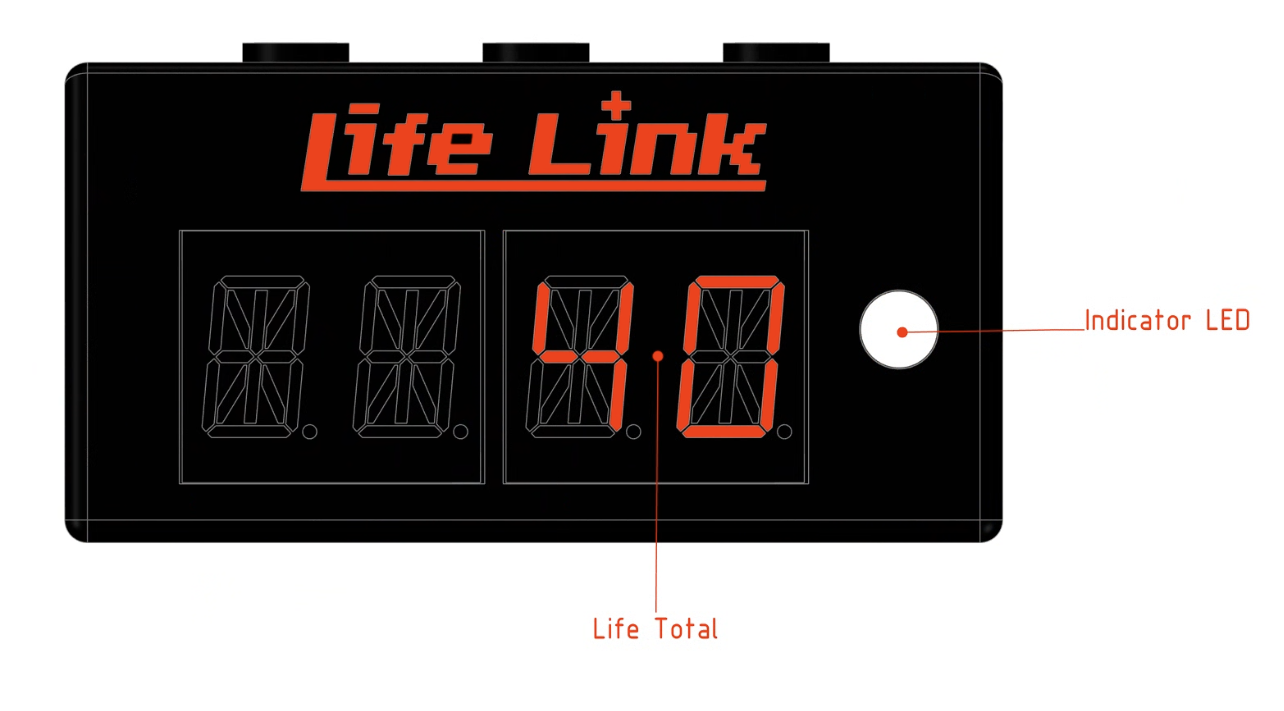
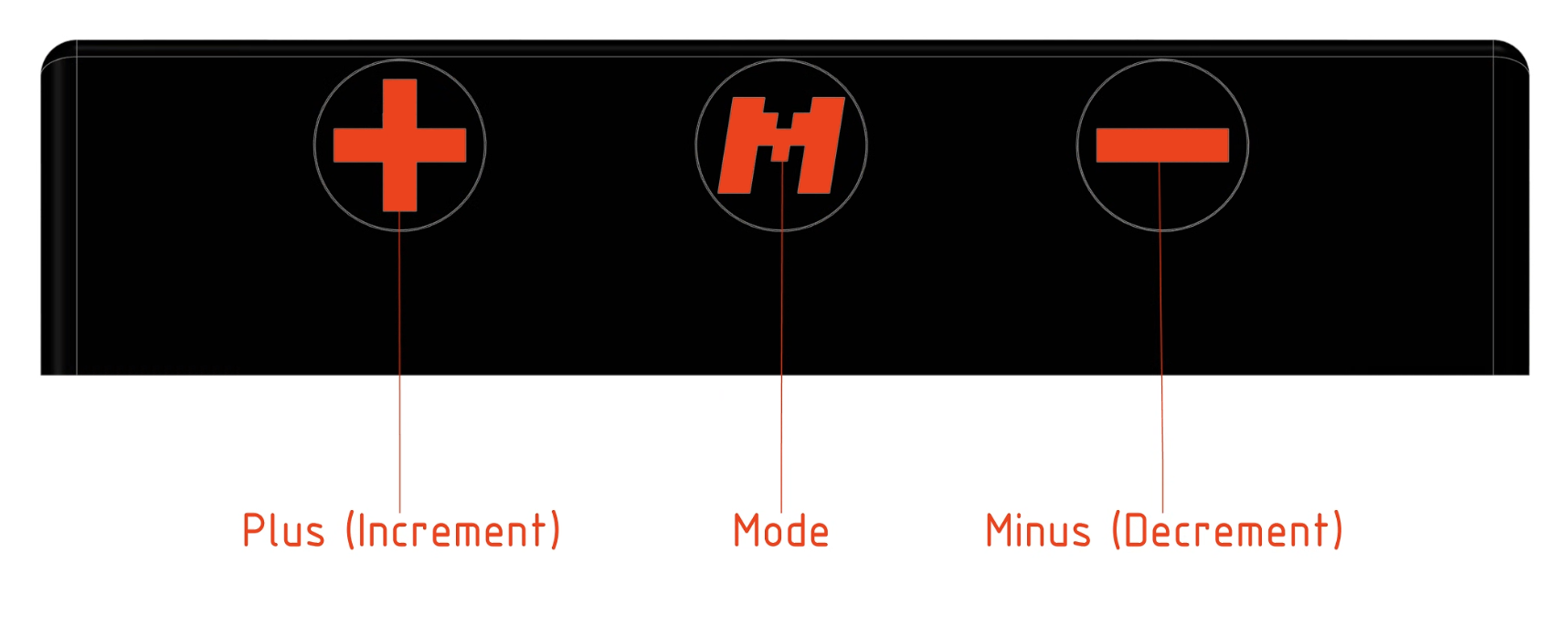
FRONT VIEW
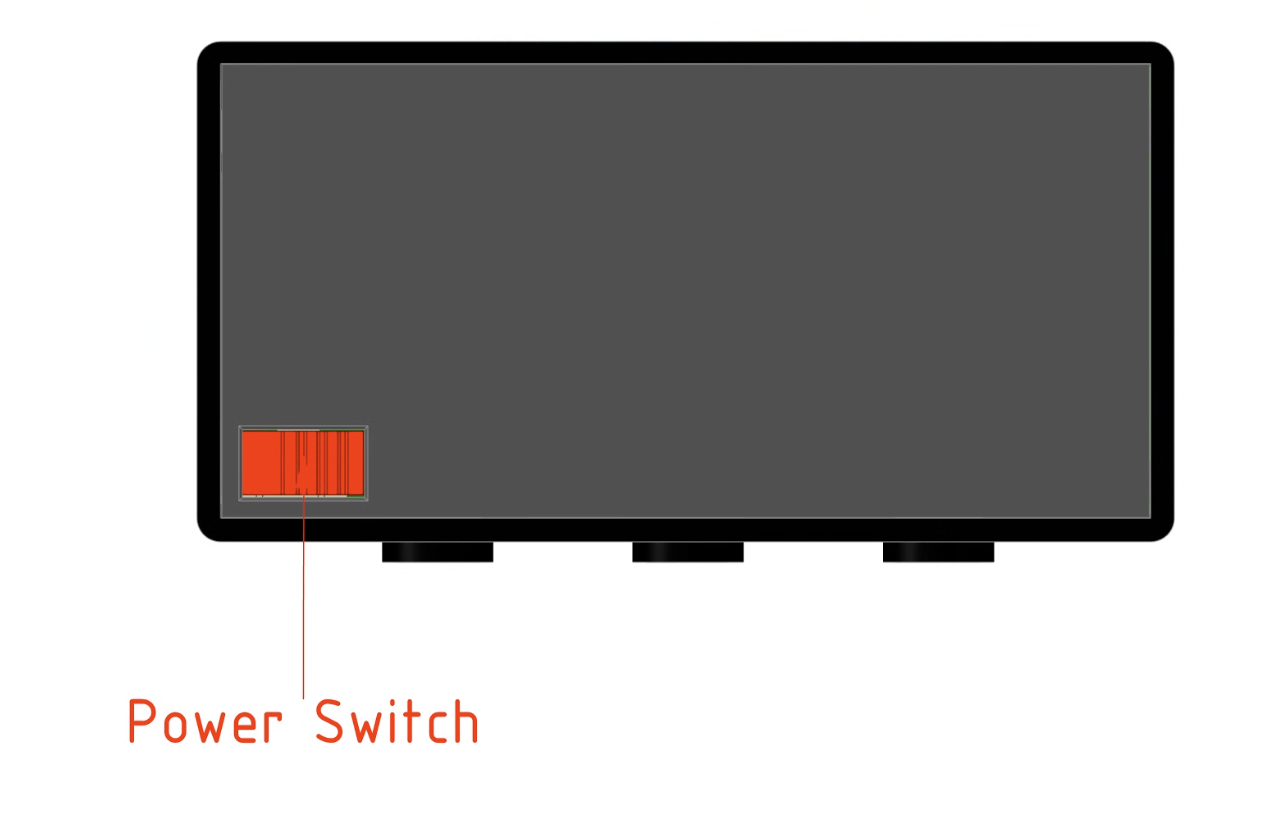
bottom VIEW
MENU
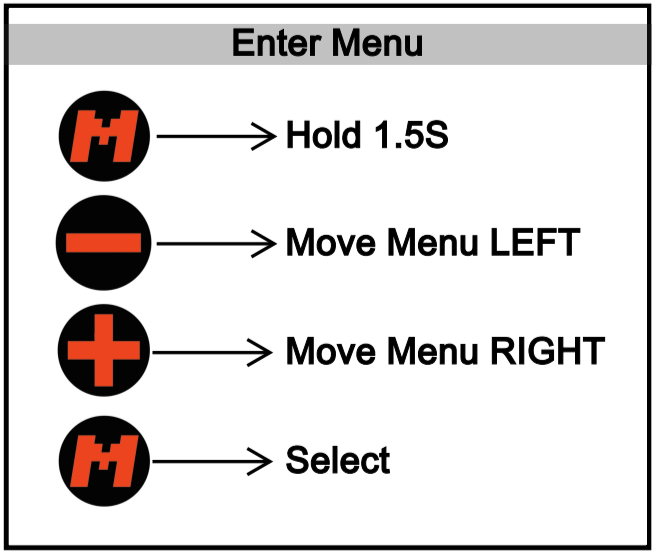
From any device mode access the menu by holding Mode for 1.5 seconds (Indicator light shows hold progress). Once in the menu:
Use the Plus (+) and Minus (-) buttons to carousel through the available modes.
Press Mode to select the currently displayed option.
Available Modes:
CMDR: Commander Life Tracker
CARD: Card Stat Counter (+1/+1 counters)
STDR: Standard (20) Life Tracker
DICE: Dedicated Dice Roller select
TOUT: Screen Timeout Power Save Toggle (ON / OFF)